Hello.
How to properly resize app/canvas (webGL build)?
I use this way:
var canvas = kha.SystemImpl.khanvas;
var window = Window.get(0);

if (canvas != null) {
	// Use CSS size to drive resizing and let SystemImpl's automatic
	// adjustment update the actual backbuffer size on the next frame.
	var scale = js.Browser.window.devicePixelRatio;
	if (scale <= 0) scale = 1.0;
	var cssW = Std.int(width / scale);
	var cssH = Std.int(height / scale);
	canvas.style.width = cssW + "px";
	canvas.style.height = cssH + "px";
}

// Notify Kha/Armory about the logical size change so any resize
// callbacks (App, render path, cameras, etc.) can react properly.
if (window != null) {
	window.mode = kha.WindowMode.Windowed;
	window.resize(width, height);
}
this resizes canvas - ok, but all scene objects dissapeared. only still renders environment HDR and overlay objects
This related to make correct frame capturing.
I use notifyOnRender(function(g:kha.graphics4.Graphics)
created render target 2k * 2k
inside i tested 2 approaches:
function renderCameraIntoTarget(camera:CameraObject, target:kha.Image) {
	var targetGraphics = target.g4;
	camera.renderFrame(targetGraphics);
}
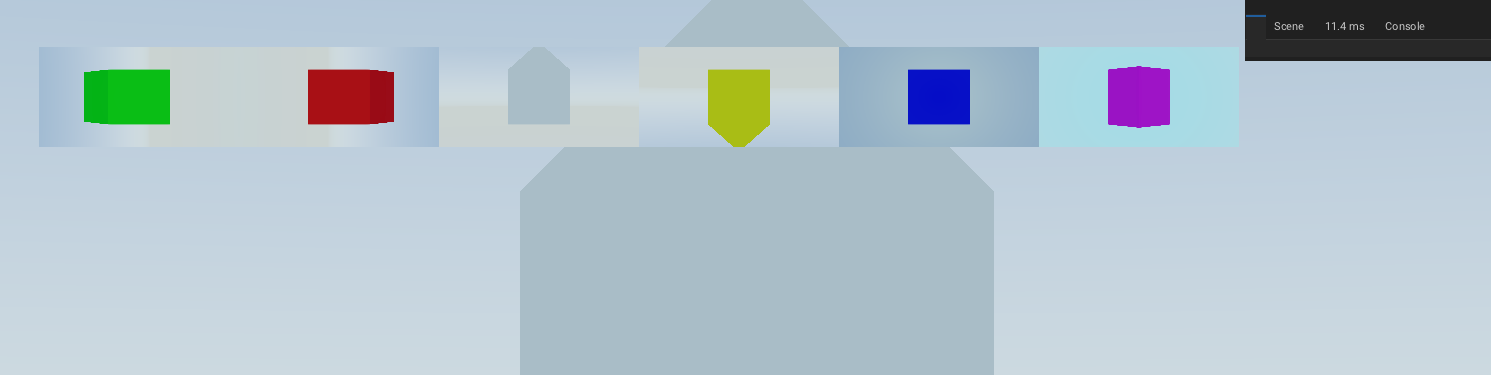
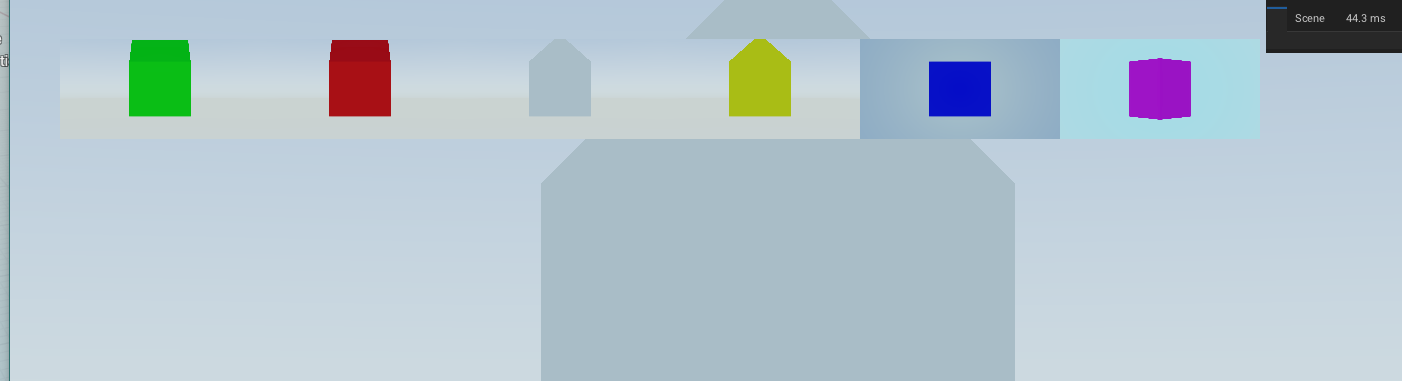
it`s ok - but app should be same size (2k * 2k) - otherwise - incorrect images (with black sides) so i need to resize app before make screenshot to render target
other way:
function renderCameraByGraphics(camera:CameraObject, target:kha.Image, targetGraphics:kha.graphics4.Graphics) {
	var oldRT = camera.renderTarget;
	camera.renderTarget = target;
	camera.renderFrame(targetGraphics);
	camera.renderTarget = oldRT;
}
this makes images different from that renders on canvas
on canvas:
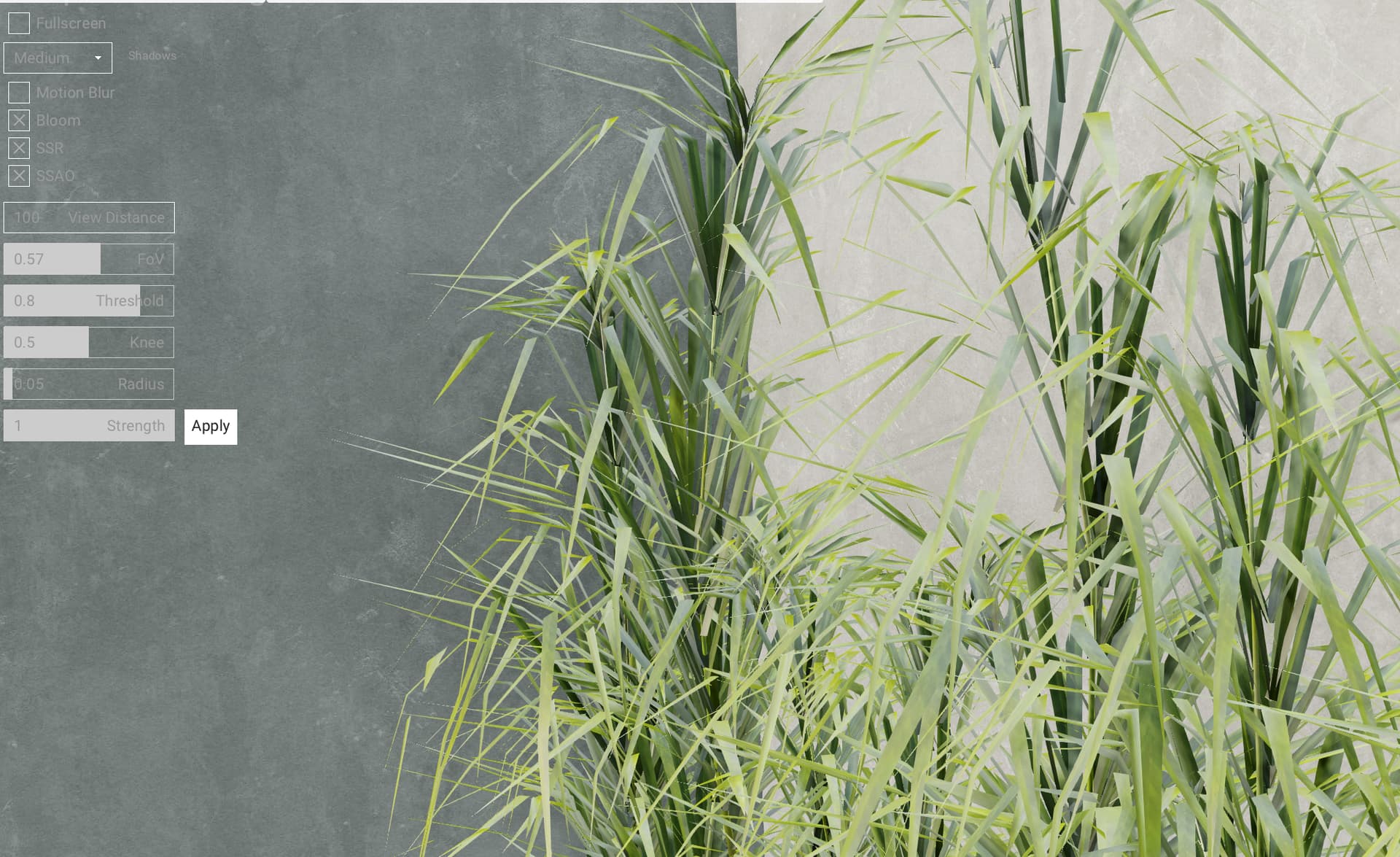
in render target:
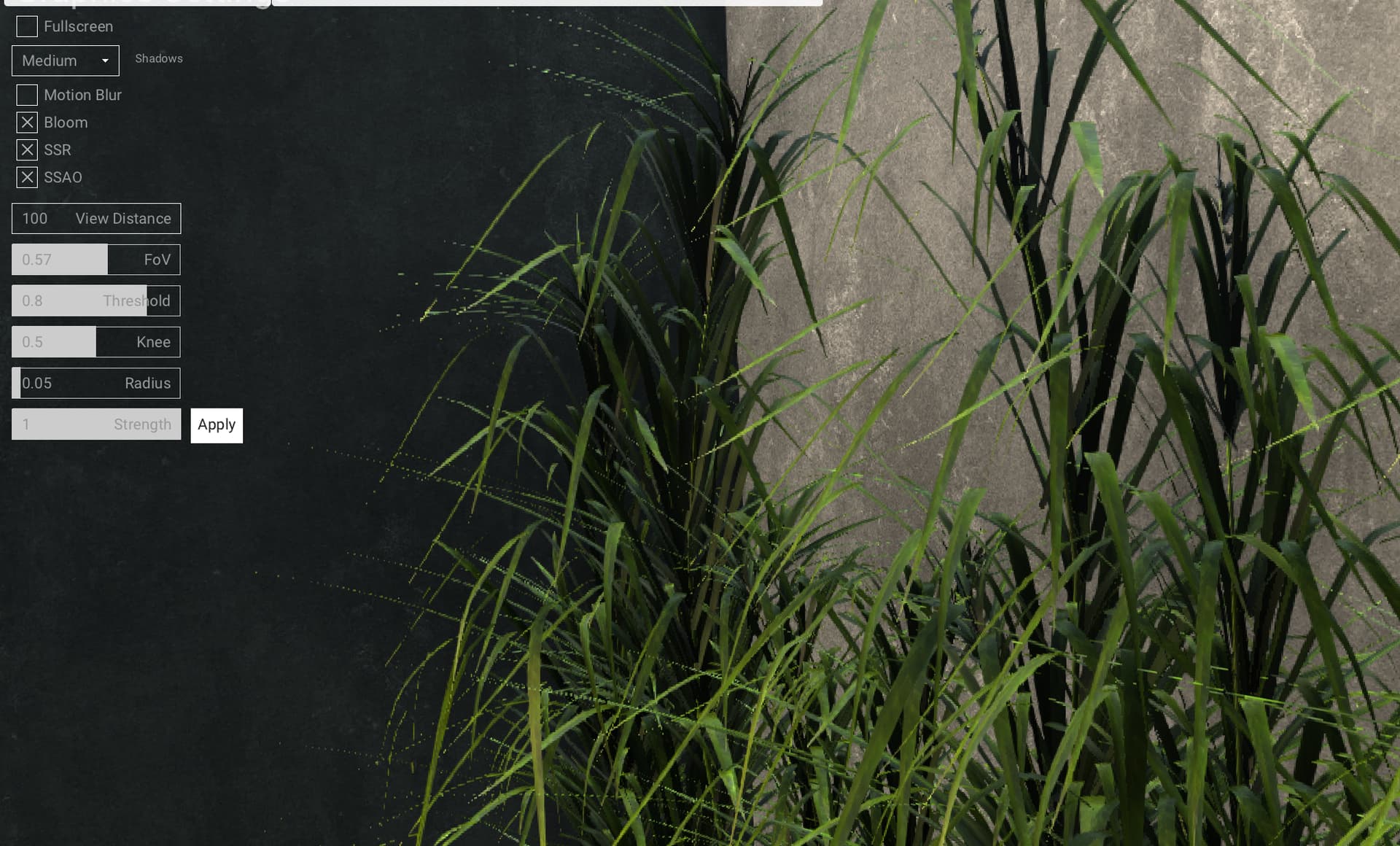
btw - some part of this panorama box can rendere incorrect also with screen space reflections, depend on camera orientation
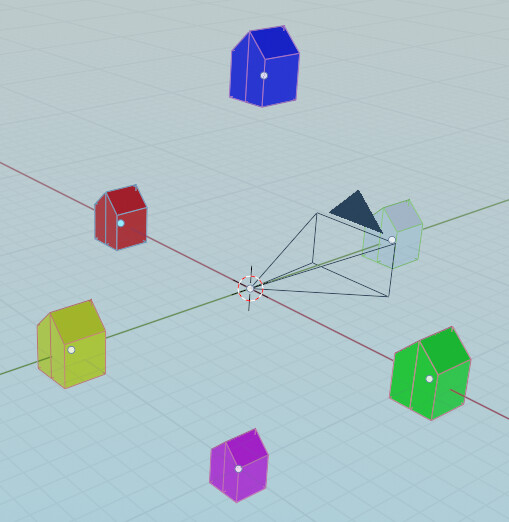
i try to capture panorama box. i know camera has renderTargetCube - but it`s too complex use it.
i just want make panorama shot (box with 6 sides)